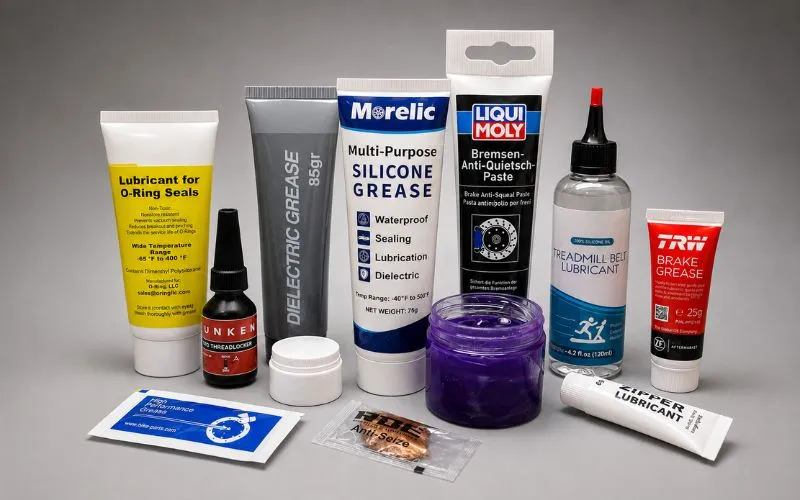
Lubricating a mechanical keyboard improves smoothness, reduces noise, and increases consistency. This guide explains what keyboard lube is, how it works, which type to choose, and how to apply it correctly.
Video Guide: This detailed tutorial demonstrates the complete process of lubricating mechanical keyboard switches.
What is mechanical keyboard lube?
Mechanical keyboard lube is a high-stability synthetic lubricant designed to reduce friction inside mechanical switches and stabilizers. Most premium options use PFPE (perfluoropolyether) base oils thickened with PTFE, offering chemical inertness, low migration, and long-term durability.
Unlike household oils, keyboard lubricants:
- Do not degrade POM, Nylon, or PC plastics
- Do not evaporate quickly
- Remain stable under repeated keystrokes
- Do not migrate into electrical contacts
They are engineered for precision, low-travel plastic mechanisms.
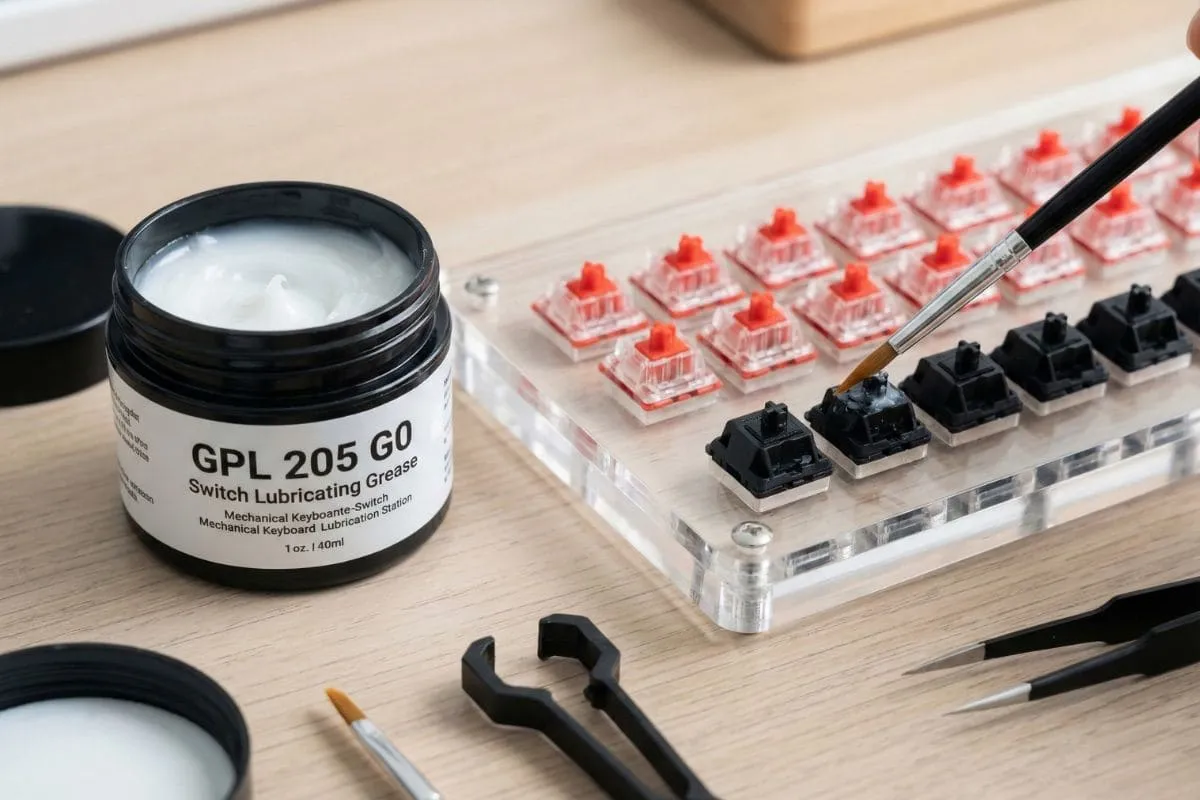
How Does mechanical keyboard lube Work?
Keyboard lubricants create a thin film between moving components, reducing surface friction and dampening vibration. This eliminates scratchiness, stabilizes keystrokes, and improves acoustic consistency.
Mechanical switches operate under boundary lubrication conditions. A properly selected lubricant:
- Reduces stem-to-housing friction
- Fills microscopic surface imperfections
- Dampens high-frequency vibration
- Minimizes spring ping
PFPE-based lubricants resist oxidation and remain stable for years.
The Grade 0 lubricants combine the performance of oils with the application convenience of greases, making them ideal for keyboard enthusiasts seeking precision without excessive complexity.
Morelic Pro Tip: When lubricating tactile switches, I always avoid applying lube to the tactile legs of the stem to preserve the tactile bump. For linear switches, I apply a slightly thicker coat on the rails for maximum smoothness. Match your lubrication technique to your switch type for best results.
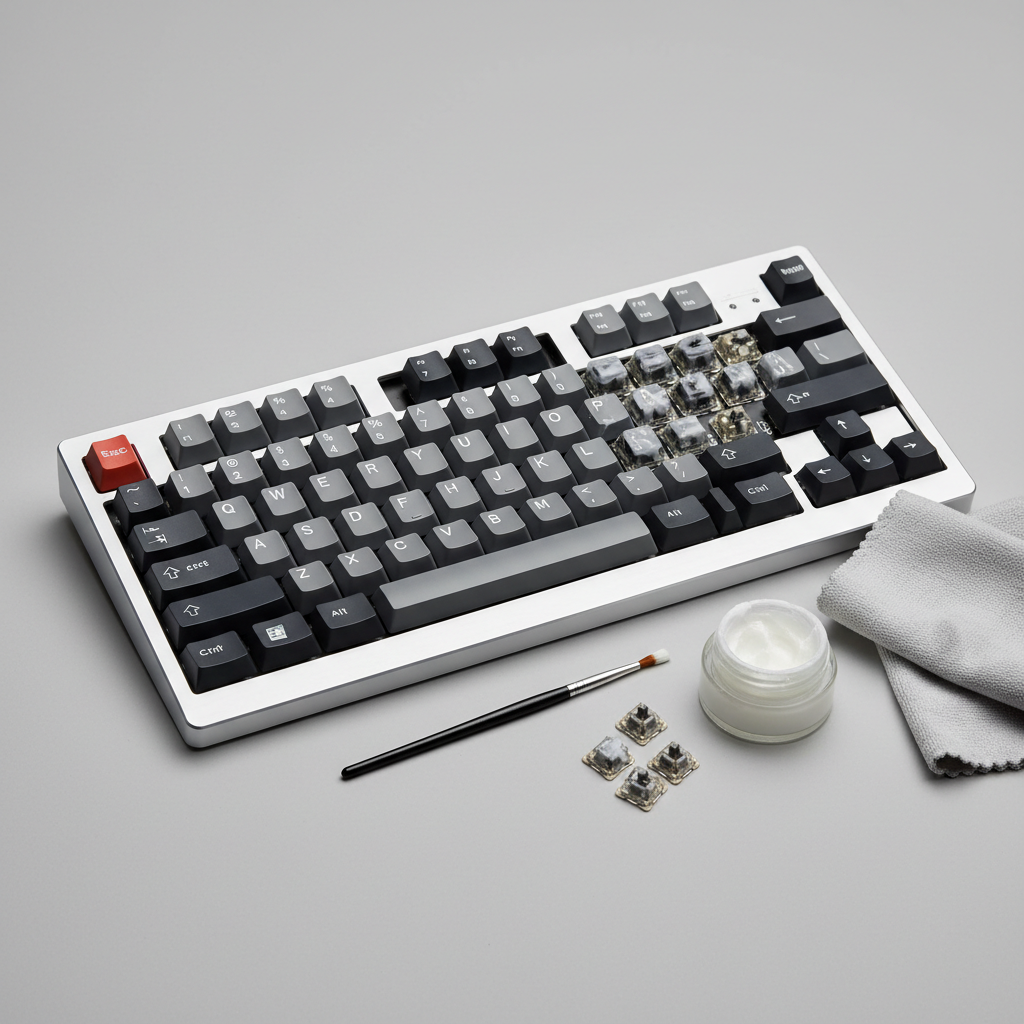
Can you lubricate a mechanical keyboard?
Yes. Lubricating switches and stabilizers is one of the most effective keyboard modifications for improving typing feel and sound.
Video Guide: This tutorial shows an easy approach to lubricating mechanical switches for beginners.
Benefits of Keyboard Lubrication
Lubricating your mechanical keyboard offers numerous advantages that enhance both functionality and user experience:
- Smoother keystrokes
- Reduced scratchiness
- Less stabilizer rattle
- More consistent actuation
- Extended switch lifespan
Many users begin with stabilizers because larger keys show the most noticeable improvement.
Morelic Pro Tip: I always recommend lubing stabilizers first, even if you’re not ready to lube all switches. The improvement to larger keys like the spacebar, enter, and shift keys is dramatic and requires much less time than doing all switches. Start there for maximum impact with minimal effort.
Can I use WD-40 to lube a mechanical keyboard?
No. WD-40 and general-purpose lubricants are not suitable for mechanical keyboard switches.
WD-40 is a solvent-based water displacer. It can:
- Damage plastic housings
- Evaporate quickly
- Attract dust
- Migrate into contact leaves
Why Household Products Don’t Work
Using improper lubricants can damage your keyboard and create worse problems than you started with. Here’s why keyboard-specific lubricants are essential:
| Lubricant Type | Compatibility | Longevity | Risk Level | Effects on Plastic | Electrical Safety |
|---|---|---|---|---|---|
| Keyboard Lubricants (Krytox/TriboSys) | Excellent | Years | Very Low | No degradation | Safe, non-conductive |
| WD-40 | Poor | Days/Weeks | High | Can cause cracking | Potential short circuit risk |
| Silicone Spray | Poor-Moderate | Weeks | Moderate | Minimal degradation | Moderate risk |
| Petroleum Jelly | Poor | Months | High | Degrades plastics | Low conductivity risk |
| Cooking Oils | Very Poor | Days | Very High | Gums up, goes rancid | Low conductivity risk |
The specialized formulations of keyboard lubricants are designed specifically to work with the materials in mechanical switches and provide long-lasting performance without degradation.
Morelic Pro Tip: Lithium grease, petroleum jelly, and cooking oils are also unsuitable. Use lubricants designed for precision plastic assemblies.
Why Material Compatibility Matters
Mechanical switches commonly use:
- POM or Nylon stems
- Polycarbonate or Nylon housings
- Stainless steel springs
- Copper alloy contact leaves
Improper lubricants may cause:
- Polymer swelling
- Softening over time
- Oil separation
- Electrical contamination
PFPE/PTFE systems are chemically inert and compatible with these materials, making them preferred for long-term reliability.
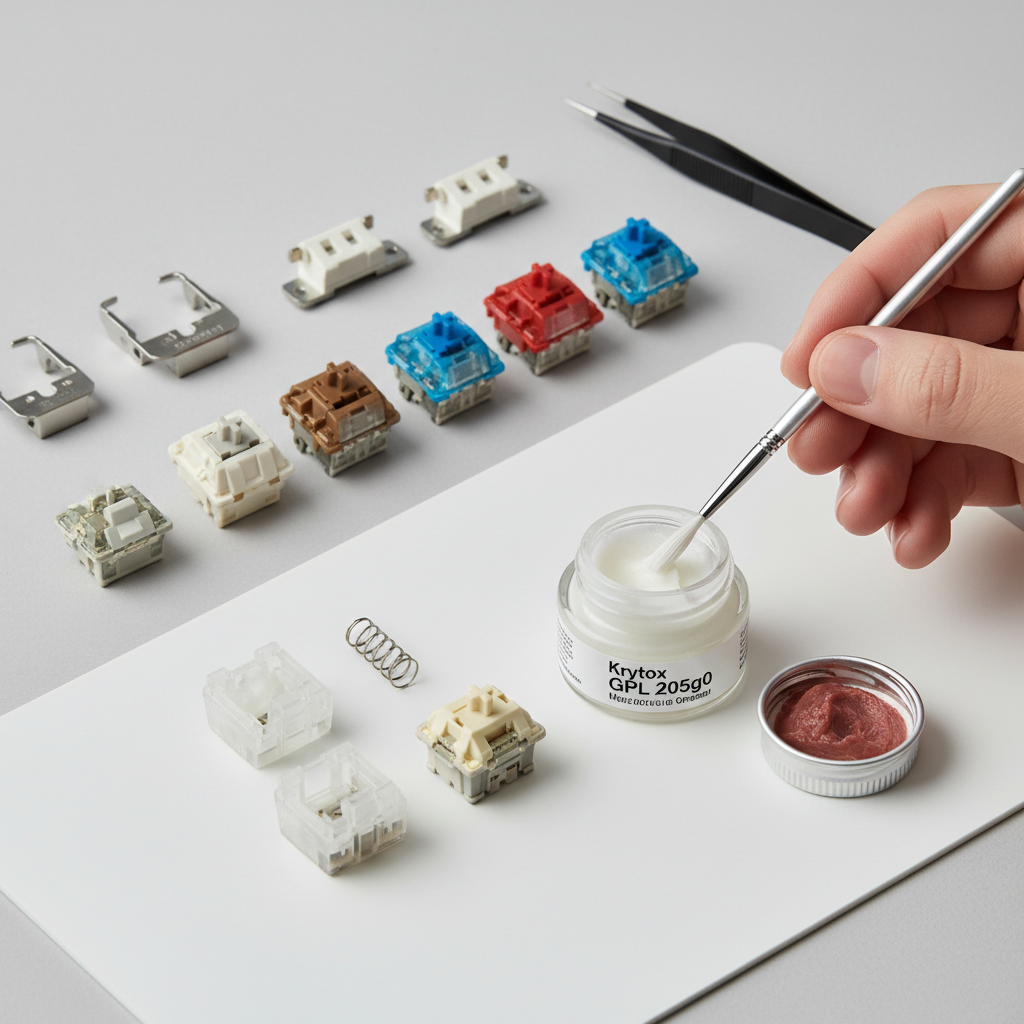
Best Lube for Linear vs Tactile Switches
Viscosity determines typing feel. Higher viscosity increases smoothness but may reduce tactility.
| Switch Type | Recommended Viscosity | Result |
|---|---|---|
| Linear | Medium–High | Maximum smoothness |
| Tactile | Low–Medium | Preserves bump |
| Clicky | Low | Maintains click |
| Springs | Very Low (Oil) | Reduces ping |
Choosing the correct viscosity prevents sluggish return or muted tactile feedback.
How to Lube Mechanical Keyboard Switches?
Lubrication requires disassembly and thin, even application to selected parts of the switch.
Video Guide: This detailed video walks through the complete process of lubricating keyboard switches step by step.
Step-by-Step Lubrication Process
Follow these steps to properly lubricate your mechanical keyboard:
Tools Needed
- Switch opener
- Fine brush (00–000)
- Tweezers
- Keycap & switch puller
- PFPE-based lubricant
Basic Process
- Remove keycaps and switches
- Open each switch
- Lightly coat bottom housing rails
- Apply thin layer to stem sides
- Avoid tactile legs (for tactile switches)
- Lightly lube springs
- Reassemble and test
Always test a small batch before completing the full keyboard.
Morelic Pro Tip: I always create a small test batch of 5-10 switches first to dial in my lubing technique and thickness before committing to all switches. This gives me a chance to adjust my approach and ensures consistency across the entire keyboard. Remember that consistency is more important than quantity when it comes to lube application.
Key Features & Comparison
Based on our internal data and market analysis, here is the breakdown:
| Lubricant | Viscosity | Best For | Tactility Preservation | Application Difficulty | Price Range |
|---|---|---|---|---|---|
| TriboSys™ 3203 | Low | Tactile & Clicky Switches | Excellent | Easy | $12-18 |
| TriboSys™ 3204 | Medium | All-Purpose | Good | Medium | $12-18 |
| Krytox™ GPL 205 G0 | High | Linear Switches | Poor | Difficult | $15-22 |
| Krytox™ GPL 105 | Very Low (Oil) | Springs, Precision Work | Excellent | Very Difficult | $18-25 |
| Krytox™ GPL 106 | Low (Oil) | Springs, Precision Work | Excellent | Very Difficult | $18-25 |
Morelic Pro Tip: I keep both 3204 and 205g0 in my toolkit at all times. The 3204 is my go-to for tactile switches and stabilizers, while I reserve 205g0 exclusively for linear switches where I want that ultra-smooth, buttery feeling. Having both gives me flexibility for any keyboard project.
How Much Lube Do You Need?
Typical usage:
- Full-size (104 keys): 5–6g
- TKL: 3–4g
- 60%: 2–3g
- Stabilizers only: <1g
Overlubing may cause sluggish return and reduced tactility. Thin, consistent application delivers the best results.
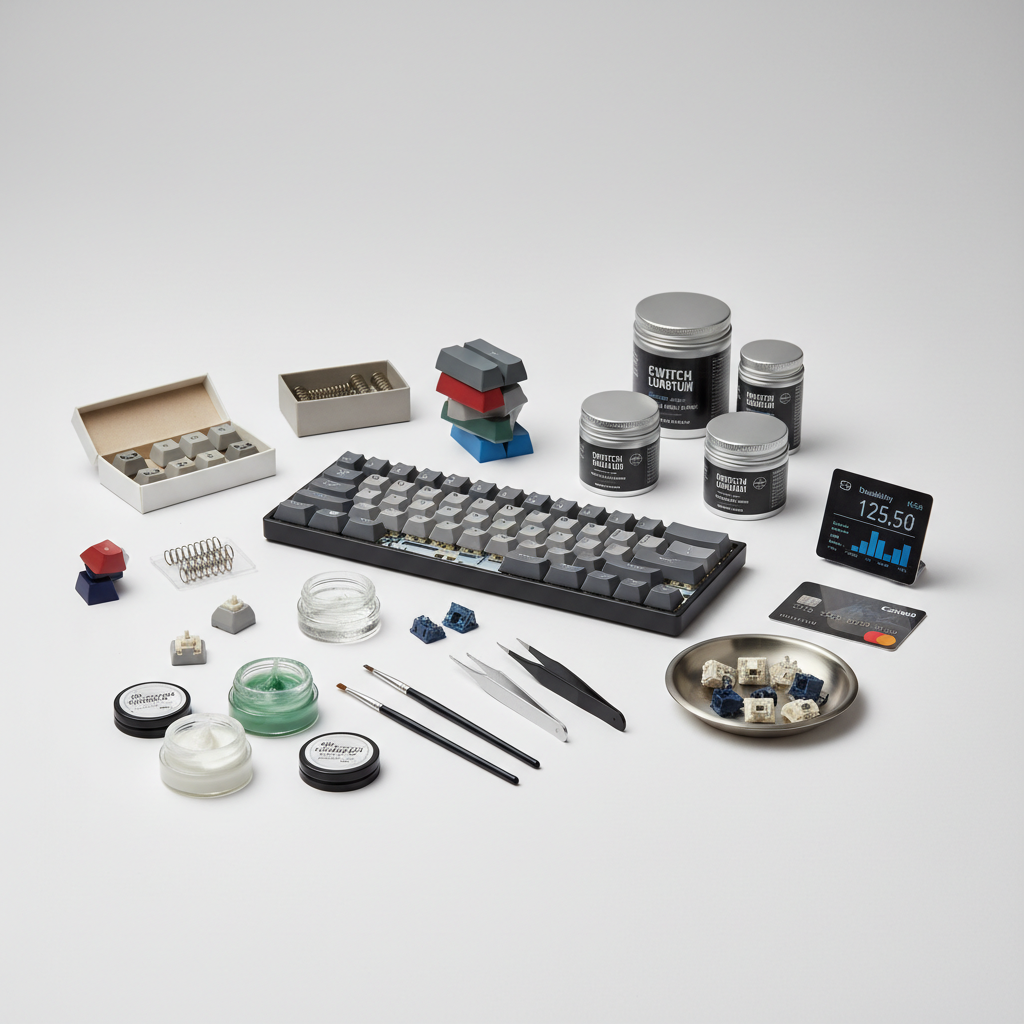
Morelic Pro Tip: I always recommend buying slightly more lube than you think you’ll need. Running out mid-project is frustrating, and these products store well for years. Also, authentic Krytox and TriboSys products may cost more upfront but provide more consistent results and better longevity than cheaper alternatives.
How Long Does Keyboard Lube Last?
High-quality PFPE-based keyboard lubricants can last several years under normal typing conditions.
They resist:
- Oxidation
- Evaporation
- Viscosity breakdown
- Material degradation
Longevity depends on typing frequency and environmental conditions.
Frequently Asked Questions
1. What is the best lube for linear switches?
Medium to high viscosity PFPE-based lubricants provide maximum smoothness for linear switches.
2. Is Dielectric Grease the Same as Keyboard Lube?
No. Dielectric grease is silicone-based and intended for electrical insulation.
It may be suitable for stabilizer wires but is not ideal for switch internals due to different viscosity behavior and long-term stability compared to PFPE-based lubricants.
3. What is the best lube for tactile switches?
Low to medium viscosity lubricants preserve the tactile bump while reducing friction.
4. Can you overlube switches?
Yes. Overlubing can cause sluggish return, muted tactility, and inconsistent keystrokes.
5. How long does 205g0 last?
High-quality PFPE-based greases can last several years without drying out under normal use.
Conclusion
Mechanical keyboard lubrication enhances smoothness, reduces noise, and improves consistency. The most reliable formulations use PFPE base oils with PTFE thickeners due to their chemical stability and compatibility with switch plastics.
Selecting the correct viscosity and applying a thin, even layer ensures optimal results for both enthusiasts and production builds.